How to Watch IPTV on Amazon Fire TV and Fire TV Stick
Fire TV Sticks are the most common way to add streaming to a TV. Safe setup via the Appstore and the Fire TV-specific fixes for Wi-Fi, storage and heat.
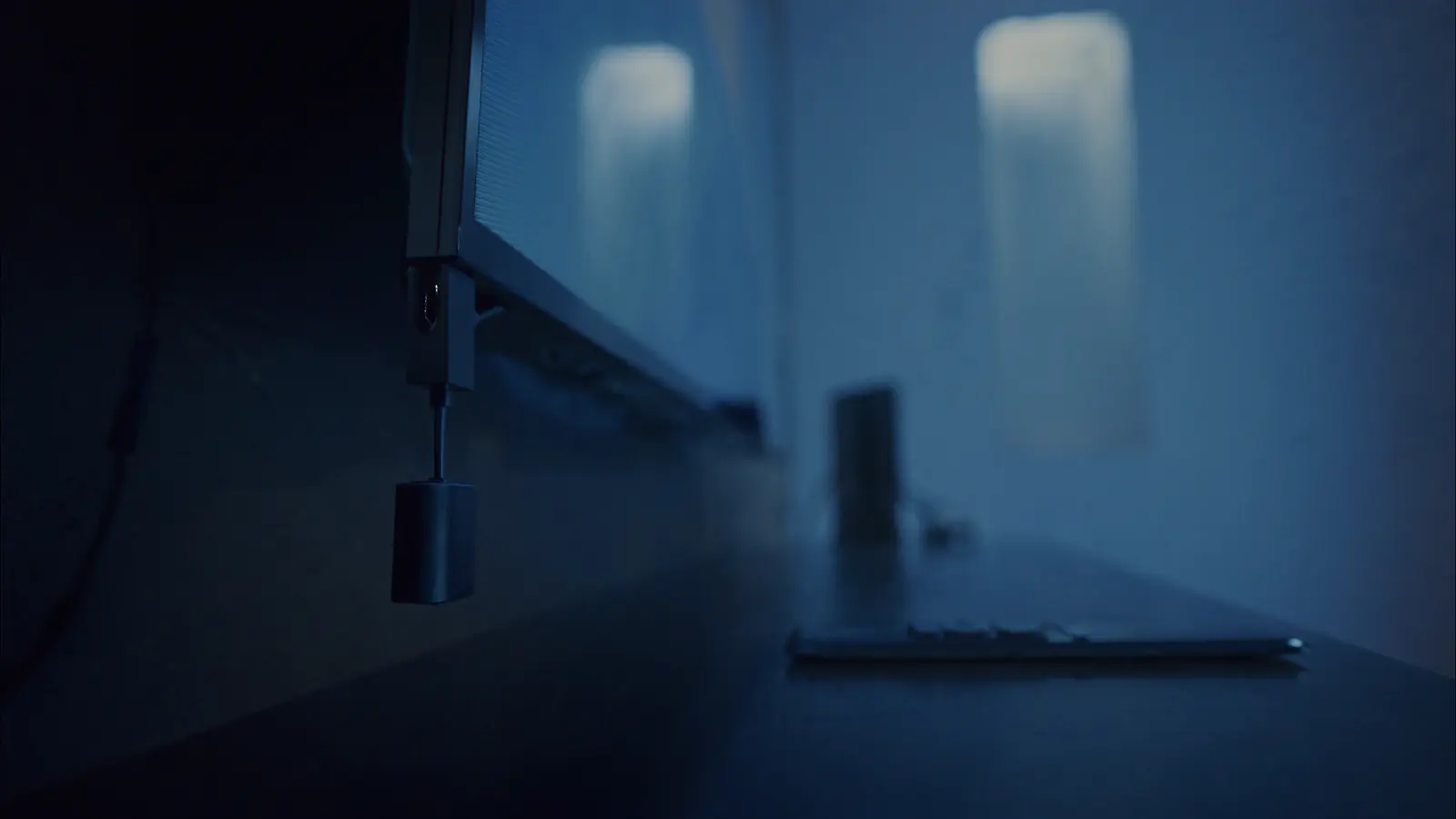
A Fire TV Stick is a quick, affordable way to run IPTV on any TV with HDMI. Setup takes minutes through the Amazon Appstore. The part worth reading is what comes after: most Fire TV complaints come from three fixable things — weak Wi-Fi behind the TV, full storage, and heat.
Which Fire TV works best?
- Fire TV Stick 4K / 4K Max — the best balance for most people: 4K and HDR, faster processors, and Wi-Fi 6 or 6E on newer models.
- Fire TV Cube — the most powerful, with a built-in Ethernet port.
- Basic Fire TV Stick / Lite — fine for HD, but with less headroom for heavy apps or 4K.
Setup through the Appstore
- Plug in the stick, connect to Wi-Fi and sign in to your Amazon account.
- Update: Settings → My Fire TV → About → Check for Updates.
- Use Find → Search (or the magnifier) to look up the player your provider recommends, then Get / Download.
- Open the app, enter your access details and let the channel list load.
About sideloading
Many online tutorials tell you to enable "apps from unknown sources" and download players from websites. We recommend against it. Appstore apps are reviewed by Amazon; apps from websites aren't, and modified players are a known route for malware and data theft. If an app you need isn't in the Appstore, ask your provider for a store-listed alternative. More in the IPTV safety and privacy guide.
Fix 1: Wi-Fi behind the TV
The stick sits in the TV's shadow, and the TV's metal back blocks signal.
- Use the HDMI extender that comes in the box — moving the stick a few centimetres out often makes a clear difference.
- Connect to your router's 5 GHz network.
- For a wired connection, Amazon sells an Ethernet adapter for Fire TV sticks; the Cube has a port built in.
Fix 2: Storage
Fire TV sticks have limited storage, and performance drops as it fills.
- Settings → Applications → Manage Installed Applications: uninstall what you don't use; clear the cache of large apps.
- Keep the IPTV player updated — old builds are often slower.
Fix 3: Heat and uptime
Sticks run warm, and a hot device throttles. Keep the stick out of enclosed cabinets where possible, and restart weekly: Settings → My Fire TV → Restart (or unplug for 10 seconds).
Picture settings on Fire TV
- Settings → Display & Sounds → Display: turn on Match Original Frame Rate (on supported models) so sport and films play at their native frame rate.
- Leave video resolution on Auto unless you have a specific reason to lock it.
- If voices drift with a soundbar, see audio out of sync fixes.
Quick troubleshooting
| Symptom | Fix |
|---|---|
| Buffering in the evening | Extender + 5 GHz, or Ethernet adapter; see buffering fixes |
| App slow to open | Free storage, clear cache, restart |
| Remote unresponsive | New batteries; hold Home for 10 seconds to re-pair |
| "App not available" | Check your Amazon account region; ask your provider for an Appstore app |
Want Fire TV-specific instructions for your model? Start a free trial and we'll send them on WhatsApp.
About this guide. Written and maintained by the IPTVBESTLIFE team. Device menus and apps change over time — if a step no longer matches your screen, let us know and we'll update it.
Frequently asked questions
Which Fire TV Stick is best for IPTV?
The Fire TV Stick 4K or 4K Max for most homes. Choose the Fire TV Cube if you want a built-in Ethernet port.
Is it safe to sideload IPTV apps on a Fire Stick?
It carries real risk: sideloaded apps aren't reviewed by Amazon and may contain malware. Use Appstore apps whenever possible.
Why does my Fire Stick buffer when my internet is fast?
Usually weak Wi-Fi behind the TV, low storage or heat. Use the HDMI extender, connect to 5 GHz, free up space and restart the stick.
Related articles
Smart TV App, Streaming Stick or TV Box? Choosing the Best Device for IPTV
Your TV's own apps, a streaming stick, a TV box or Apple TV — how they compare on speed, Wi-Fi vs Ethernet, 4K support and simplicity, and which suits which home.
Is IPTV Safe? How to Protect Your Devices, Data and Payments
The technology is safe — the risks come from who you buy from and what you install. Spotting risky services, safe app habits and protecting your home network.

IPTV Buffering: Why It Happens and How to Stop It
Buffering has a handful of causes, and each has a telltale sign. Diagnose yours in a few minutes, then apply the fix that actually matches.