Smart TV App, Streaming Stick or TV Box? Choosing the Best Device for IPTV
Your TV's own apps, a streaming stick, a TV box or Apple TV — how they compare on speed, Wi-Fi vs Ethernet, 4K support and simplicity, and which suits which home.
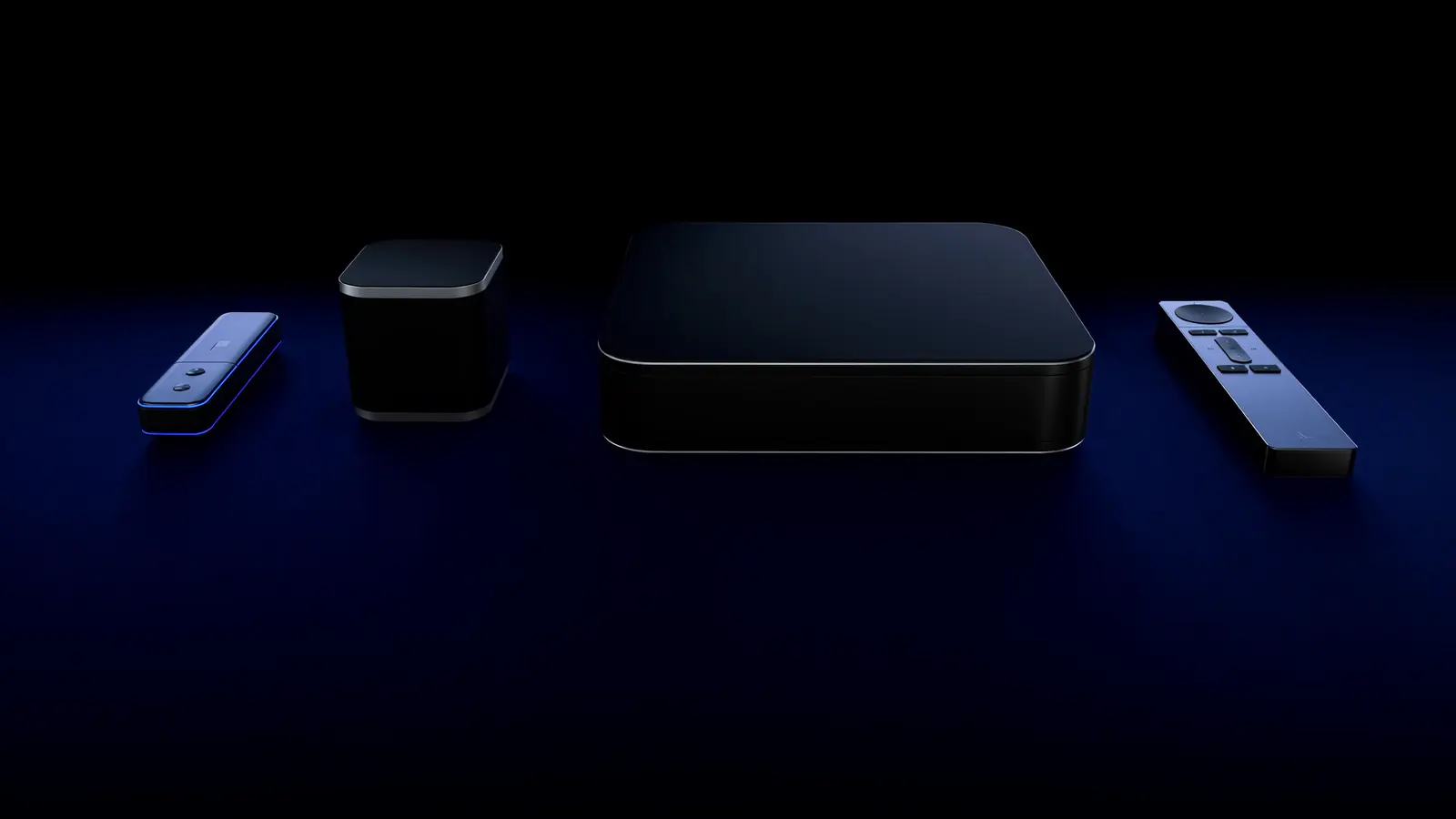
Start with the device you already have. If your Smart TV is less than about five years old, feels responsive and its app store offers a suitable player, you may not need anything else. If the TV is older, slow, or lacks the app, a streaming stick or box is an inexpensive upgrade that often streams better than the TV itself.
The four options at a glance
| Compared | Smart TV's own app | Streaming stick | Android TV / Google TV box | Apple TV 4K |
|---|---|---|---|---|
| Extra hardware | None | Small stick in HDMI port | Small box | Small box |
| Ethernet | Most TVs have a port | Usually via adapter | Often built in | Some models |
| Menu speed | Varies; older TVs slow down | Good on current models | Good to excellent | Excellent |
| App choice | Limited on some brands | Broad | Broadest (Google Play) | Broad (App Store) |
| Updates | Slows as the TV ages | Regular for years | Depends on maker | Long support life |
| Best for | Newer TVs, fewest remotes | Most homes, secondary TVs | Enthusiasts, wired setups | Simplicity and polish |
Option 1: Your Smart TV's built-in apps
Pros: nothing to buy, one remote, and TVs from Samsung (Tizen) and LG (webOS) often have a wired network port. Cons: app availability varies by brand, region and model year, and TV processors age faster than streaming devices — menus and playback can get sluggish after a few years.
Guides: Samsung · LG · TVs with Google TV or Android TV built in: Google TV / Android TV.
Option 2: A streaming stick
Pros: affordable, tidy, and brings a full app store to any TV with HDMI. Current 4K models handle HD and 4K comfortably. Cons: Wi-Fi-first (Ethernet usually needs an adapter), limited storage that can fill up, and they sit behind the TV where Wi-Fi reception is weakest — use the HDMI extender if one is included.
Guide: IPTV on Fire TV.
Option 3: An Android TV or Google TV box
Pros: the widest app choice through Google Play, frequently a built-in Ethernet port, more storage and processing headroom. Cons: quality varies enormously between makers. Choose a certified device from a known brand so you get the official Play Store and security updates — uncertified boxes are a common source of problems.
Guide: IPTV on Android TV.
Option 4: Apple TV 4K
Pros: fast, long software support, an excellent remote and the best "match content" settings for accurate frame rate and HDR. Cons: the most expensive option; Ethernet only on some models.
Guide: IPTV on Apple TV.
Four questions that decide it
- Does your TV's store have the player you need? If yes, try it first — you can always add a device later.
- Can you run a cable to the TV? If Wi-Fi at the TV is weak, a device with Ethernet (or a stick plus adapter) solves more problems than any other upgrade.
- Will you watch 4K? Make sure the device supports 4K and modern codecs such as HEVC — see video codecs explained.
- Who uses the remote? For less technical households, simpler interfaces (Apple TV, or the TV's own apps) mean fewer "it's not working" moments.
A note on phones, tablets and computers
They're excellent second screens and work well for travel, but for a main TV experience a dedicated device is more reliable than casting from a phone. See using IPTV on multiple devices.
Next step
Once you've chosen, follow the step-by-step IPTV setup guide. Not sure your current TV is good enough? A free trial is an easy way to find out before buying anything — here's how to get the most from a trial.
About this guide. Written and maintained by the IPTVBESTLIFE team. Device menus and apps change over time — if a step no longer matches your screen, let us know and we'll update it.
Frequently asked questions
Is a streaming stick better than my TV's own apps?
On TVs more than a few years old, often yes — sticks have faster processors and more current apps. On a recent, responsive TV the built-in apps can be just as good.
Do I need 4K hardware if my TV is Full HD?
No. A Full HD TV can't display 4K, so a 1080p-capable device is enough — though 4K sticks often have faster processors, which helps menus and apps.
Related articles
How to Set Up IPTV on Any Device: A Step-by-Step Guide
A universal setup checklist that works on Smart TVs, streaming sticks, phones and computers — with links to device-specific guides where the steps differ.

How to Watch IPTV on Amazon Fire TV and Fire TV Stick
Fire TV Sticks are the most common way to add streaming to a TV. Safe setup via the Appstore and the Fire TV-specific fixes for Wi-Fi, storage and heat.

How to Watch IPTV on Apple TV 4K
Apple TV 4K is one of the smoothest IPTV devices — if you set it up properly. Installation, the Match Content settings, and tips for iPhone and iPad too.