Using IPTV on Multiple Devices: Connections, Bandwidth and Household Setups
How many screens can you really use at once? Connections vs installs, bandwidth maths for several streams, and practical setups for different households.

You can usually install an IPTV app on as many devices as you like, but the number that can play at the same time is limited by your plan's "connections" — and by your internet speed. Getting both right is what makes multi-room viewing work.
Installs vs connections
These get confused constantly:
- Installed devices — every TV, stick, phone or tablet where the app is set up with your details.
- Connections (simultaneous streams) — how many of those can be playing at once.
With a one-connection plan you might have the app on a living-room TV, a bedroom stick and two phones, but only one can play at any moment. Starting a second usually stops the first or shows an error. Always ask a provider how many connections a plan includes before you rely on a second screen — IPTVBESTLIFE customers can simply ask us on WhatsApp.
The bandwidth maths for several screens
Every playing screen needs its own share of your connection. As a planning guide:
| Stream quality | Plan for per stream |
|---|---|
| HD (720p) | ~10 Mbps |
| Full HD (1080p) | 15–20 Mbps |
| 4K | 25 Mbps or more |
Add up everything that might play at once, then add about 25% headroom for phones, updates and video calls. Examples:
- 4K living room + HD tablet: 25 + 10 = 35 → aim for 45 Mbps or more.
- Two Full HD TVs + a phone: 20 + 20 + 10 = 50 → aim for 60–65 Mbps.
Measure at each device, not at the router — a bedroom TV two walls away may get far less than the headline speed. Full method in internet speed for IPTV.
Practical setups by household
One main TV, occasional phone use. One connection is often enough. Put the TV on Ethernet and use the phone when the TV isn't in use.
Couple with two TVs. You'll want two connections. Give the main TV the wired connection and the stronger device; if the second TV is far from the router, a mesh Wi-Fi point or powerline adapter nearby makes a bigger difference than a faster broadband plan.
Family with children's devices. Plan for peaks — Sunday evening, not Tuesday morning. Agree who watches in 4K when several streams run, and use parental controls where the app offers them.
Shared flats. Connections are for one household. Sharing a login across separate homes typically breaks provider terms and causes stream conflicts.
Device roles that work well
- Main TV: a fast streaming device with Ethernet — see choosing the best device for IPTV.
- Secondary TVs: an affordable stick on 5 GHz Wi-Fi is usually fine for HD.
- Phones and tablets: great for the kitchen or garden; download over Wi-Fi to spare mobile data.
- Computers: handy for watching two things at once, but browsers and desktop players vary — test before a big event.
Watching away from home
Many services work on mobile devices away from home, subject to the provider's terms and the rights for that content in your location. Within the EU, the Portability Regulation lets residents temporarily abroad in another EU country use online content subscriptions they pay for at home — but that's about the provider's obligations, not a guarantee every channel travels. Watch mobile data use: an hour of HD can use a few gigabytes.
Quick checklist before relying on multiple screens
- Plan includes enough connections
- Total bandwidth (with headroom) fits your broadband
- Each device tested at the time you'd actually use it
- Main TV wired or on strong 5 GHz Wi-Fi
Comparing plans? See what to look for in an IPTV service and choosing a plan length. Want to test two screens at once first? Mention it when you start a free trial.
About this guide. Written and maintained by the IPTVBESTLIFE team. Device menus and apps change over time — if a step no longer matches your screen, let us know and we'll update it.
Frequently asked questions
What happens if I exceed my connections?
Usually the newest stream is refused or an older one stops. It isn't a fault — it's the plan limit. Upgrade connections or stop a stream on another device.
Does a phone on mobile data count as a connection?
Yes. A connection is any device playing a stream on your account, wherever it is.
Related articles

What Internet Speed Do You Need for IPTV?
Recommended speeds per stream, the maths for several screens, and how to test properly — because the speed at your sofa is what counts.
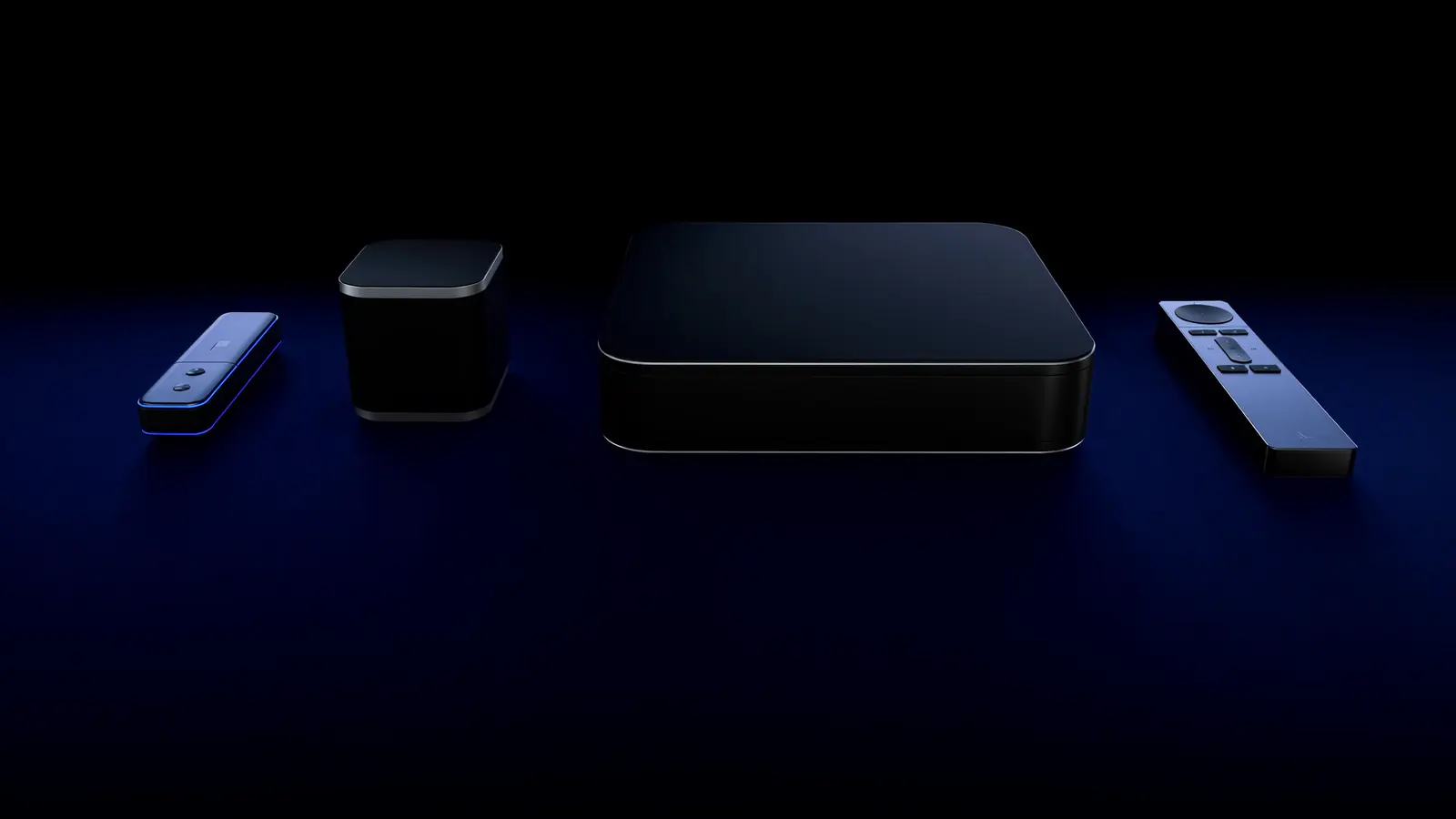
Smart TV App, Streaming Stick or TV Box? Choosing the Best Device for IPTV
Your TV's own apps, a streaming stick, a TV box or Apple TV — how they compare on speed, Wi-Fi vs Ethernet, 4K support and simplicity, and which suits which home.
What to Look For in an IPTV Service: A 9-Point Checklist
Every provider claims to be the best. Nine things to check — from trials and device support to renewal terms and licensing — that reveal what a service is really like.