What Internet Speed Do You Need for IPTV?
Recommended speeds per stream, the maths for several screens, and how to test properly — because the speed at your sofa is what counts.

Plan for about 10 Mbps per HD stream, 15–20 Mbps for Full HD and 25 Mbps or more for 4K — measured on the device you watch on. These are comfortable targets rather than bare minimums, and stability matters as much as the headline number.
Recommended speed per stream
| Quality | Resolution | Plan for | Rough data use per hour |
|---|---|---|---|
| SD | 576p or lower | 3–5 Mbps | under 1 GB |
| HD | 720p | ~10 Mbps | 1.5–3 GB |
| Full HD | 1080p | 15–20 Mbps | 3–4 GB |
| 4K UHD | 2160p | 25 Mbps+ | 7 GB or more |
Real requirements vary with the codec, frame rate and content: fast sport at 50 fps needs more than a slow drama, and efficient codecs such as HEVC need less than older ones (see video codecs explained).
Several screens: add it up
Add every stream that might play at the same time, then add about 25% headroom for everything else online in the house.
- One 4K TV + one HD tablet: 25 + 10 = 35 → aim for 45 Mbps+
- Two Full HD TVs + a phone: 20 + 20 + 10 = 50 → aim for 60–65 Mbps+
- Busy family evening with three HD screens and video calls: 30 + calls → aim for 50 Mbps+
Connections and household setups are covered in IPTV on multiple devices.
Why a fast plan can still buffer
- Wi-Fi loses speed through walls. The router may receive 200 Mbps while the TV two rooms away gets 20.
- Stability beats peak speed. A steady 30 Mbps outperforms a connection that swings between 100 and 5. Wired connections are far steadier than Wi-Fi.
- Jitter and packet loss — irregular data arrival — cause stutter that a single speed test won't reveal.
- Evening congestion can lower real speeds at exactly the time you watch.
That's why a broadband upgrade often disappoints when the real bottleneck is Wi-Fi. Fixes are in IPTV buffering causes and fixes.
How to test properly
- Test on the TV or streaming device, or on a laptop placed right next to it — not on your phone beside the router.
- Test when you usually watch. Evening results matter more than morning ones.
- Run it three times and note the lowest result.
- Compare wired and wireless if you can: a big gap means the Wi-Fi is the weak link.
Do you need fibre?
No — any connection that reliably delivers the speeds above works, including good cable or DSL lines. Fibre tends to be more consistent at peak times, which helps with live events. If your connection can't reach these speeds at all, satellite or aerial TV may suit you better for now — see IPTV vs satellite.
What about mobile data and data caps?
On uncapped home broadband, data use rarely matters. On mobile data or capped plans, an evening of Full HD can use 10 GB or more. Many players let you pick a lower default quality on phones.
Quick verdict by speed
| Your tested speed at the TV | What to expect |
|---|---|
| Under 8 Mbps | SD, occasional HD; buffering likely at peak times |
| 10–20 Mbps | One HD/Full HD stream comfortably |
| 25–40 Mbps | One 4K stream, or two HD |
| 50 Mbps+ | Several screens, including 4K |
The quickest real-world test is watching at your usual time — a free trial lets you do exactly that before committing.
About this guide. Written and maintained by the IPTVBESTLIFE team. Device menus and apps change over time — if a step no longer matches your screen, let us know and we'll update it.
Frequently asked questions
Is 20 Mbps enough for IPTV?
It's comfortable for one HD or Full HD stream. For 4K or several screens at once, plan for more.
Why is my speed test fast but IPTV still buffers?
Speed tests near the router don't reflect Wi-Fi at the TV, and they don't show jitter or evening congestion. Test on the TV at your usual viewing time, and try a wired connection.
Related articles

Using IPTV on Multiple Devices: Connections, Bandwidth and Household Setups
How many screens can you really use at once? Connections vs installs, bandwidth maths for several streams, and practical setups for different households.

IPTV Buffering: Why It Happens and How to Stop It
Buffering has a handful of causes, and each has a telltale sign. Diagnose yours in a few minutes, then apply the fix that actually matches.
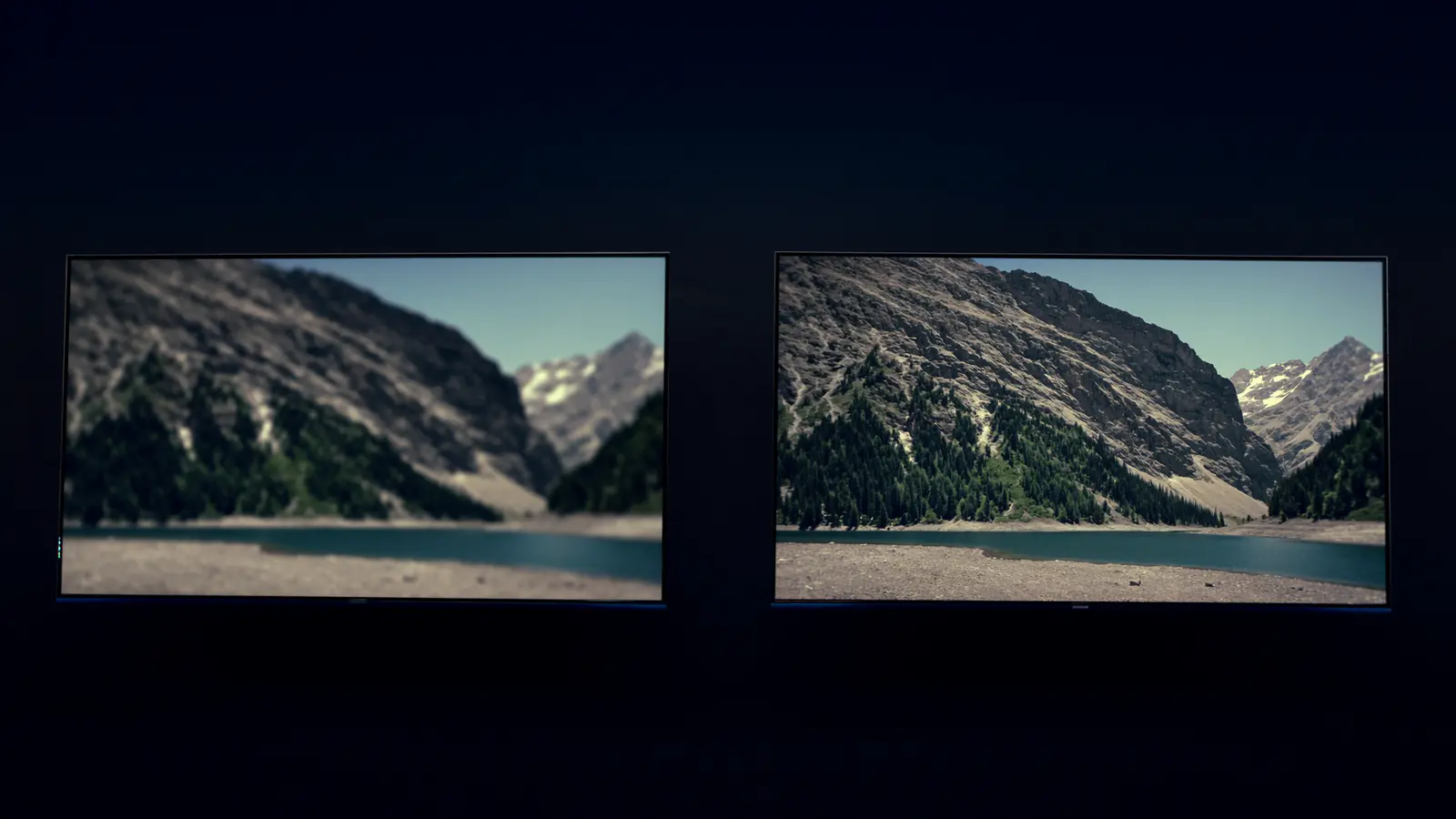
HD vs Full HD vs 4K Streaming: When Is 4K Worth It?
Resolution isn't the whole story. When 4K is visibly sharper, why HDR and frame rate often matter more, and what each quality level needs.