HD vs Full HD vs 4K Streaming: When Is 4K Worth It?
Resolution isn't the whole story. When 4K is visibly sharper, why HDR and frame rate often matter more, and what each quality level needs.
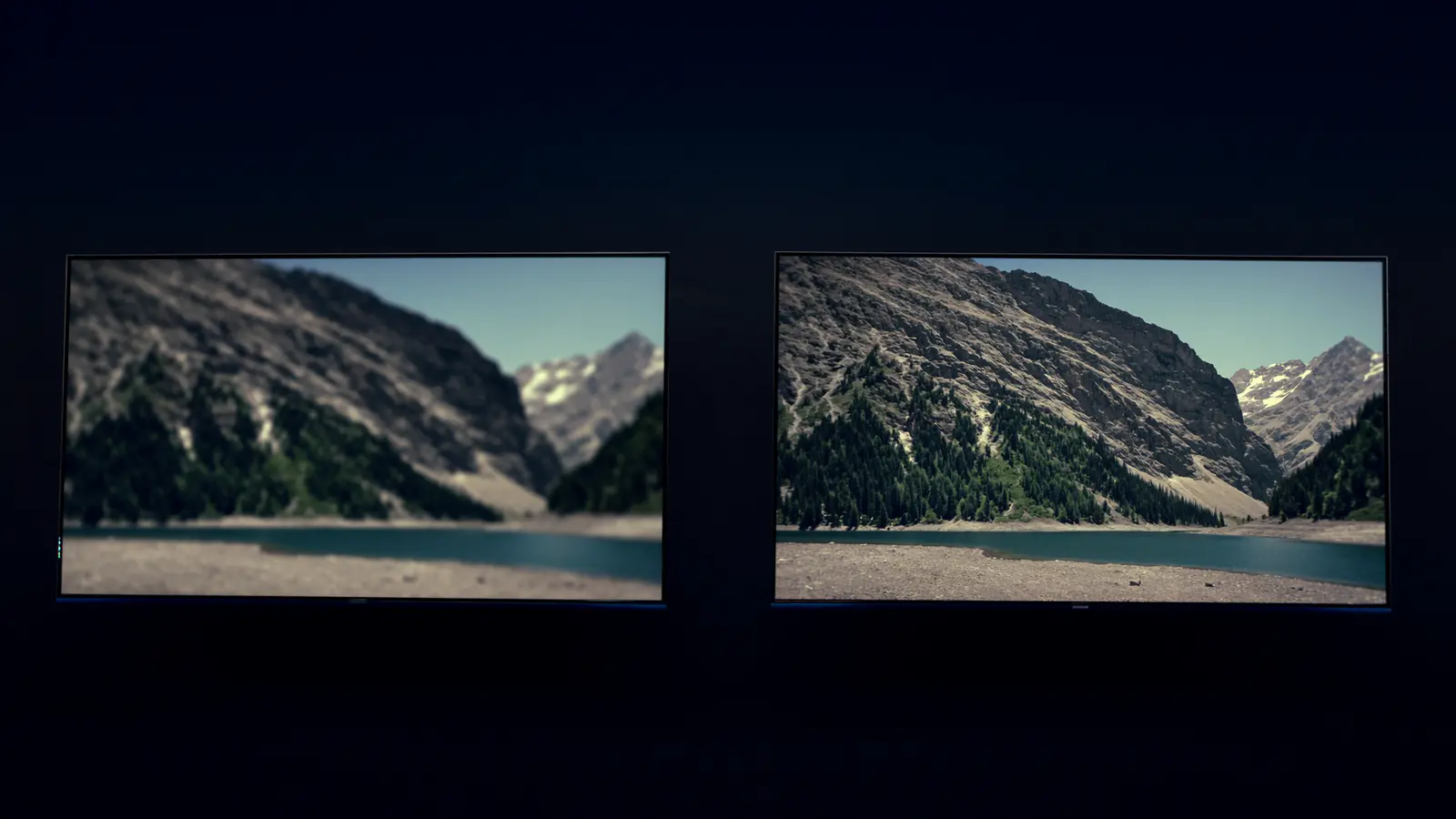
4K is worth it on a large TV viewed from a normal distance, with content that's actually produced in 4K and a connection that can sustain it. On smaller screens, or with channels broadcast in HD, Full HD looks nearly identical — and HDR or frame rate may make a bigger visible difference than resolution.
The numbers
| Name | Pixels | Also called | Speed to plan for |
|---|---|---|---|
| HD | 1280 × 720 | 720p | ~10 Mbps |
| Full HD | 1920 × 1080 | 1080p, FHD | 15–20 Mbps |
| 4K UHD | 3840 × 2160 | 2160p, Ultra HD | 25 Mbps+ |
4K has four times the pixels of Full HD and nine times those of 720p. Whether you can see that depends on three things.
1. Screen size and seating distance
Extra pixels only help if your eyes can resolve them. As a rough rule of thumb:
- 55" and above, seated 2–2.5 m away: 4K is visibly crisper, especially on fine detail like grass, text and crowds.
- 40–50", or seated further back: the difference is modest.
- 32" and smaller, or phones: very hard to tell apart.
2. The source
A 4K TV can't add detail that isn't in the stream. Much live TV is produced and distributed in HD or Full HD; upscaling makes it look good, but not like native 4K. Content marked 4K on a service is what benefits.
3. Your device and connection
- The streaming device and TV must both support 4K, and the device needs hardware support for the stream's codec — usually HEVC, sometimes AV1. See video codecs explained.
- The connection has to sustain the bitrate; otherwise adaptive streaming quietly drops you to a lower quality. See internet speed for IPTV.
HDR: often more noticeable than 4K
High Dynamic Range expands the gap between the darkest and brightest parts of the image and allows richer colour. On a TV that handles HDR well, it can be more striking than the jump from Full HD to 4K.
- HDR10 — the baseline HDR format.
- HLG — common for broadcast and live content.
- Dolby Vision / HDR10+ — adjust the picture scene by scene.
Caveat: HDR looks worse than SDR if a device forces it on regular content. Use "match dynamic range" style settings — see Apple TV setup or Google TV setup — and pair it with the TV settings in our movie-night guide.
Frame rate: what makes sport look smooth
Sport produced at 50 or 60 frames per second looks noticeably smoother than 25 or 30 fps, regardless of resolution. A 1080p stream at 50 fps can look better for football than a 4K stream at 25 fps. Enable "match frame rate" on your streaming device so the TV displays it natively; more in live sports settings.
Which should you choose?
- HD — small screens, second TVs, limited connections.
- Full HD — the sweet spot for most channels and most homes.
- 4K — large TVs, fast stable connections, and content produced in 4K.
At IPTVBESTLIFE, content is offered in HD, Full HD and 4K where available, and every plan includes the same quality options.
About this guide. Written and maintained by the IPTVBESTLIFE team. Device menus and apps change over time — if a step no longer matches your screen, let us know and we'll update it.
Frequently asked questions
Can I watch 4K on a Full HD TV?
The TV will display it at 1080p. You won't see extra detail, and you'll use more data than necessary — choose Full HD instead.
Is Full HD the same as 1080p?
Yes. Full HD, FHD and 1080p all mean 1920 × 1080 pixels.
Related articles

What Internet Speed Do You Need for IPTV?
Recommended speeds per stream, the maths for several screens, and how to test properly — because the speed at your sofa is what counts.

Video Codecs Explained: H.264 vs HEVC vs AV1 for Streaming
Codecs decide how much data a stream needs and whether your device can play it smoothly. H.264, HEVC, VP9 and AV1 compared in plain English.

Why Does My IPTV Picture Look Blurry or Blocky? How to Improve It
Soft, blocky, washed-out or oddly smooth pictures each have different causes. Identify yours and apply the right fix — connection, device or TV settings.