Live Sports on IPTV: Setup Tips for Smooth, Spoiler-Free Matches
Live sport is the hardest test for any stream. Frame-rate and motion settings, match-day prep, and how to live with (and hide) stream delay.
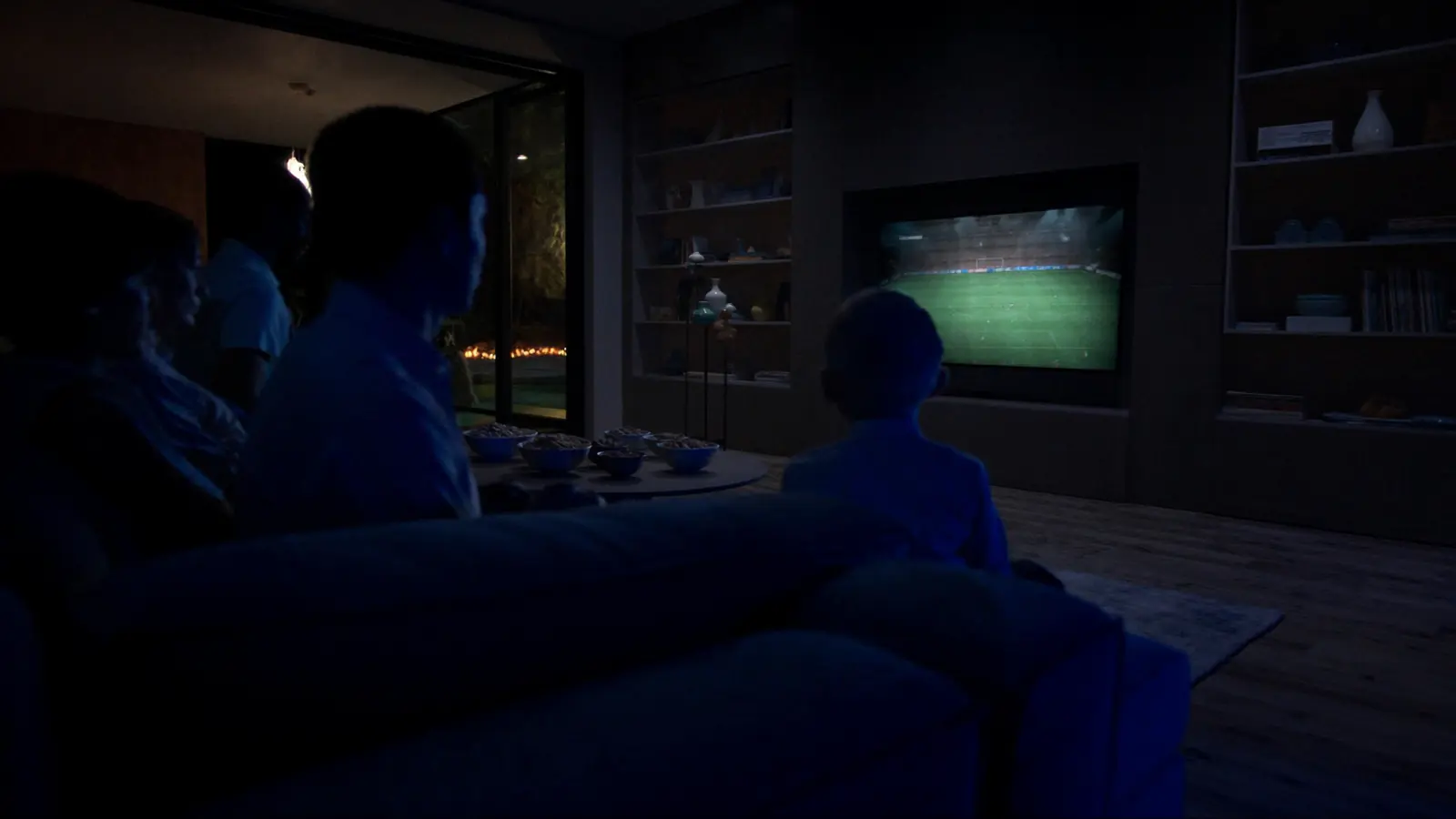
Live sport stresses every part of a streaming setup at once: fast motion needs more data, high frame rates need correct TV settings, and everyone watches at the same moment. A few settings and a short match-day routine make the difference between "fine" and "like being there".
Why sport is harder than films
- Motion: grass, crowds and fast camera pans are difficult to compress, so low bitrates show up first here.
- Frame rate: sport is often produced at 50 or 60 fps; if your TV or device converts it badly, you get judder.
- Timing: big matches create evening traffic peaks on every network.
- Latency: internet streams run behind broadcast, which matters when neighbours cheer first.
The settings that matter for sport
On the streaming device
- Turn on match frame rate (Apple TV, Google TV, Fire TV and many Android TV players) so a 50 fps match is displayed at 50 fps.
- Use hardware decoding, and make sure output resolution matches your TV.
On the TV
- Picture mode: Standard or Sports — brighter and punchier than Filmmaker mode for daytime games.
- Motion smoothing: a low setting can reduce blur on fast pans; high settings add artefacts around the ball and players. Brand menus: Samsung · LG.
- Energy saving: off.
Why frame rate can matter more than resolution is explained in HD vs Full HD vs 4K.
Match-day routine
- Earlier in the day: restart the router — not five minutes before kick-off.
- An hour before: pause game downloads, cloud backups and big updates.
- Ten minutes before: start the stream so the buffer is full and any problem shows up early.
- Main TV on Ethernet if at all possible; Wi-Fi hiccups are what you notice most during live action.
More in IPTV buffering causes and fixes.
Living with stream delay
Internet live streams are typically several seconds — sometimes half a minute — behind aerial broadcast. You can't remove it completely, but you can stop it spoiling the moment:
- Mute score notifications on phones during the match.
- Stay off live social feeds until half-time.
- If you also watch the same event on another screen, expect them to be out of step.
Why the delay exists is explained in how IPTV streaming works.
Two matches at once
Watching a second game on a tablet or another TV needs two simultaneous connections on your plan and enough bandwidth for both — see IPTV on multiple devices.
Rights and availability
Sport is the most tightly licensed content on TV: rights are sold by competition, country and platform. Coverage varies between services and regions and can change between seasons. How to recognise legitimate options is covered in watching sports online legally.
IPTVBESTLIFE offers sports entertainment subject to licensing and availability. If you want to check coverage for a particular sport before choosing a plan, start a free trial and watch at your usual match time.
About this guide. Written and maintained by the IPTVBESTLIFE team. Device menus and apps change over time — if a step no longer matches your screen, let us know and we'll update it.
Frequently asked questions
Why does football look juddery on my TV?
Often a frame-rate mismatch: a 50 fps match converted to 60 Hz. Turn on match frame rate on your streaming device.
Should I use motion smoothing for sport?
A low setting can reduce blur. High settings often create artefacts around fast-moving players and the ball.
Related articles
How to Watch Sports Online Legally: Rights, Options and Warning Signs
Why the same match is on different services in different countries, where legitimate streams come from, and the warning signs of unlicensed ones.
IPTV Buffering: Why It Happens and How to Stop It
Buffering has a handful of causes, and each has a telltale sign. Diagnose yours in a few minutes, then apply the fix that actually matches.
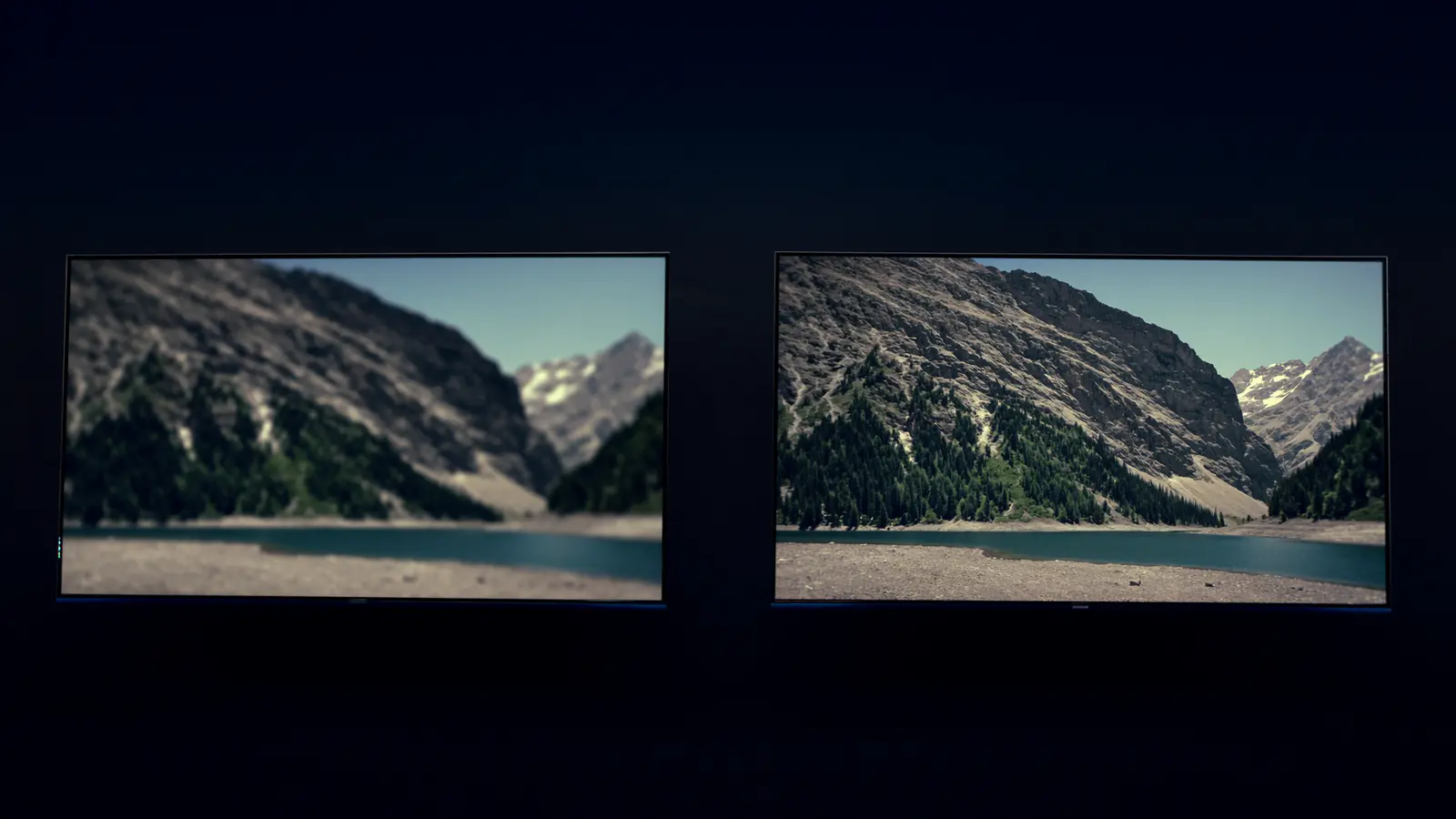
HD vs Full HD vs 4K Streaming: When Is 4K Worth It?
Resolution isn't the whole story. When 4K is visibly sharper, why HDR and frame rate often matter more, and what each quality level needs.