
IPTV Guides2 min read
IPTV for Beginners: Your Step-by-Step Path From Zero to Watching
Our starting point for newcomers: seven steps in the order you'll actually need them, each with a short answer and a link to the detailed guide.
The IPTVBESTLIFE Blog
Honest, practical articles on IPTV, device setup, picture quality and choosing the right service.
Our starting point for newcomers: seven steps in the order you'll actually need them, each with a short answer and a link to the detailed guide.
What IPTV is, how it works, the vocabulary you'll meet and how to get set up from scratch.

A universal setup checklist that works on Smart TVs, streaming sticks, phones and computers — with links to device-specific guides where the steps differ.

EPG, M3U, catch-up, bitrate, HEVC… A plain-English glossary of the terms you'll meet when setting up and using IPTV, grouped by where you'll actually see them.

How many screens can you really use at once? Connections vs installs, bandwidth maths for several streams, and practical setups for different households.

A behind-the-scenes look at the journey a stream takes to reach your TV — and why knowing it helps you fix delays, softness and buffering at home.

IPTV is television delivered over an internet connection and played through an app. Here's what that means in practice, the three main types and what you need to start.
Setup and settings for Samsung, LG, Android TV, Google TV, Fire TV and Apple TV — plus how to pick a device.
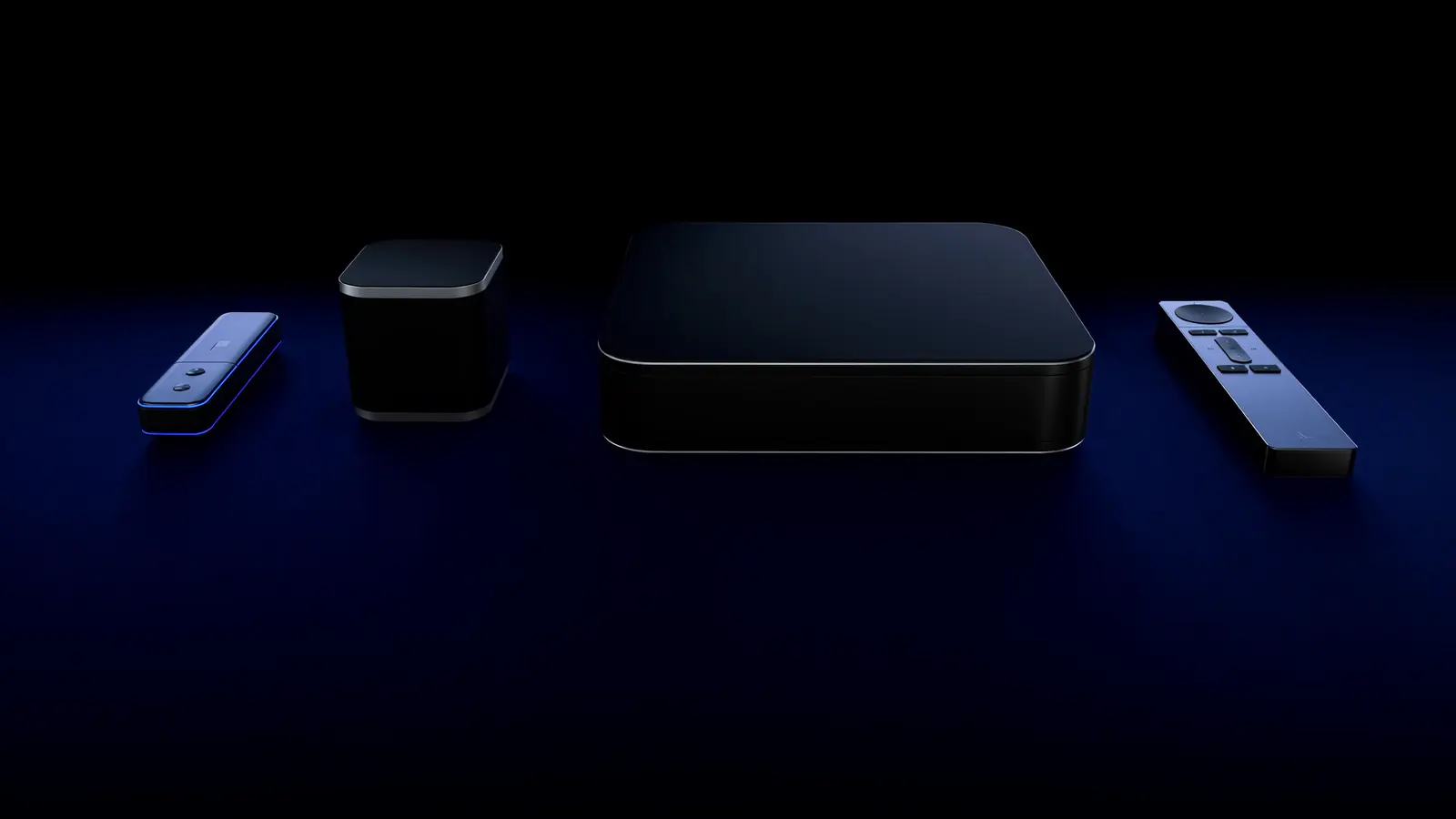
Your TV's own apps, a streaming stick, a TV box or Apple TV — how they compare on speed, Wi-Fi vs Ethernet, 4K support and simplicity, and which suits which home.
LG TVs run webOS with the LG Content Store. Installing a player, the webOS quirks to know about, and picture settings that suit OLED and LCD models.
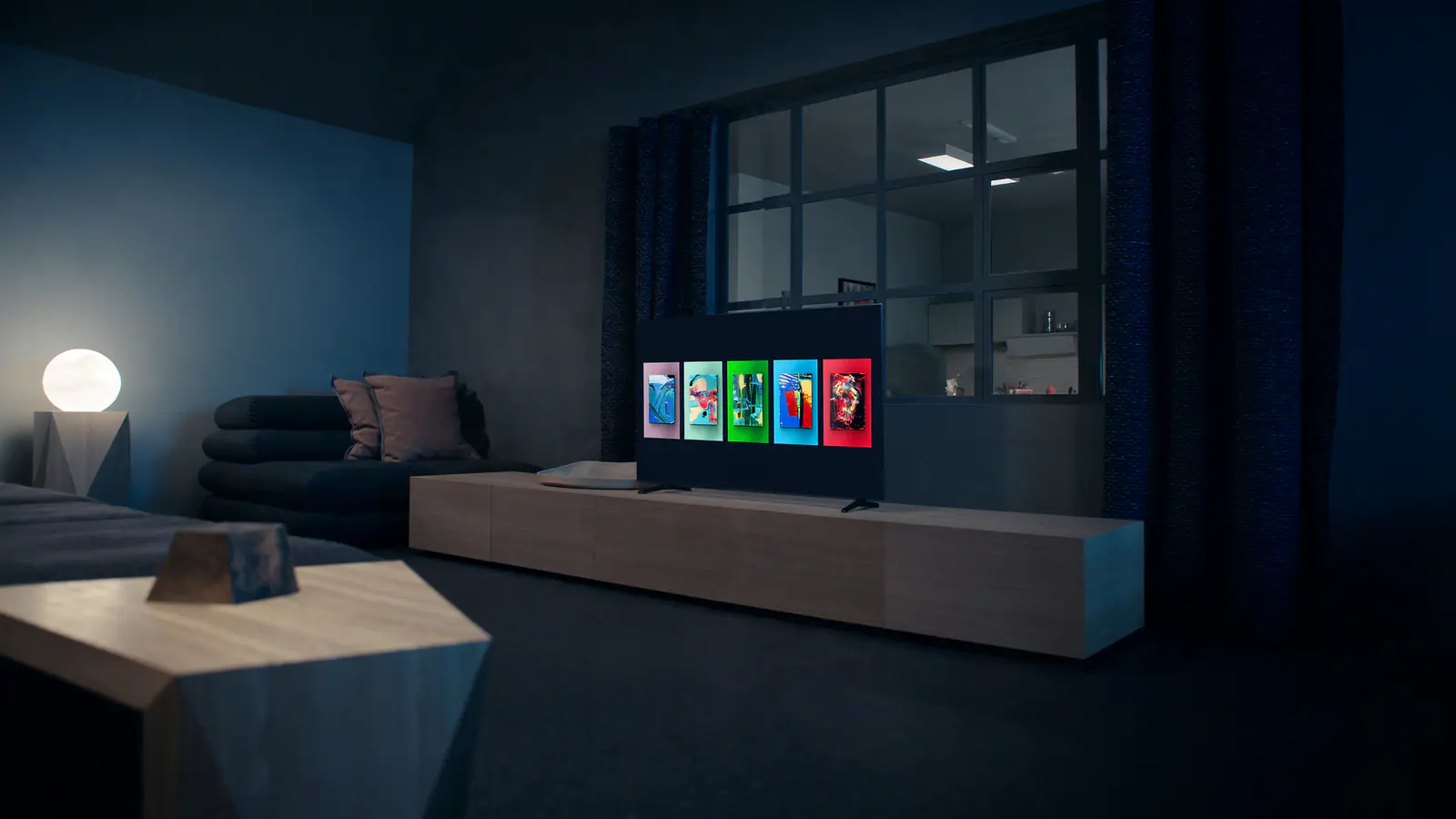
Samsung TVs run Tizen with their own app store. How to check compatibility, install a player, and the Samsung-specific settings worth changing afterwards.

Apple TV 4K is one of the smoothest IPTV devices — if you set it up properly. Installation, the Match Content settings, and tips for iPhone and iPad too.

Google TV is Android TV with a recommendation-heavy home screen. Setup on the Streamer and Chromecast, plus the storage, Ethernet and display quirks to know.

Fire TV Sticks are the most common way to add streaming to a TV. Safe setup via the Appstore and the Fire TV-specific fixes for Wi-Fi, storage and heat.
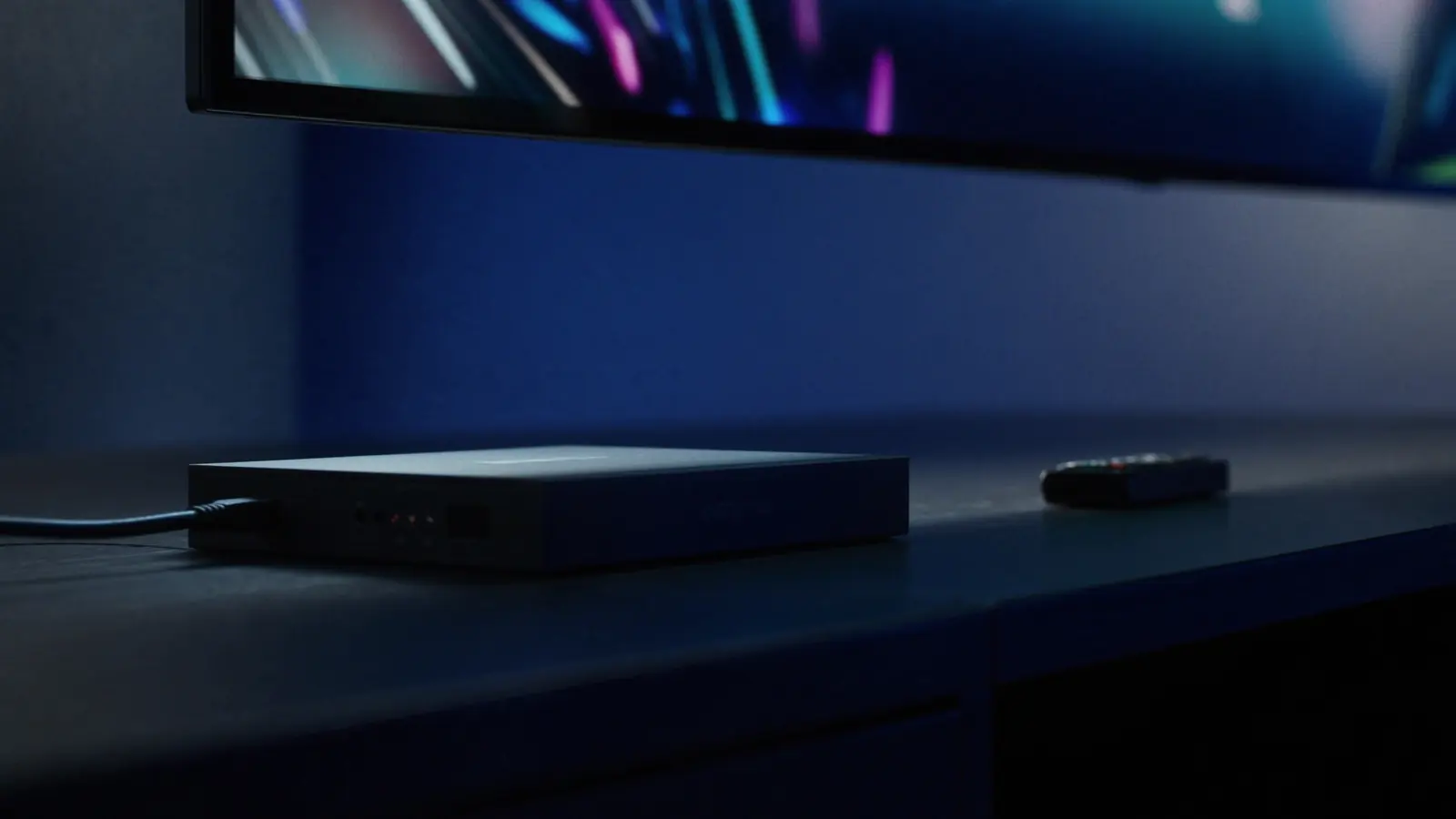
Android TV powers many Smart TVs and most TV boxes. Setup via Google Play, the player settings that matter, and how to avoid problem boxes.
Practical fixes for buffering, missing TV guides, audio sync, poor picture and apps that won't load.

When voices don't match lips, the delay comes from one of three places: the stream, the TV's picture processing, or the audio chain. Here's how to find and fix it.
Empty guide, 'no information' on some channels, or listings an hour out? Why the EPG is separate from your channels, and how to fix each problem.

Buffering has a handful of causes, and each has a telltale sign. Diagnose yours in a few minutes, then apply the fix that actually matches.
Find your symptom — won't load, login error, black screen, crashes, works on one device only — and work through the fixes in the order most likely to help.

Soft, blocky, washed-out or oddly smooth pictures each have different causes. Identify yours and apply the right fix — connection, device or TV settings.
Internet speeds, 4K, codecs and the settings that make live sport and movie nights look their best.

Codecs decide how much data a stream needs and whether your device can play it smoothly. H.264, HEVC, VP9 and AV1 compared in plain English.

A few minutes of setup makes films look the way their makers intended. Picture modes, HDR, clearer dialogue and on-demand features worth using.

Live sport is the hardest test for any stream. Frame-rate and motion settings, match-day prep, and how to live with (and hide) stream delay.
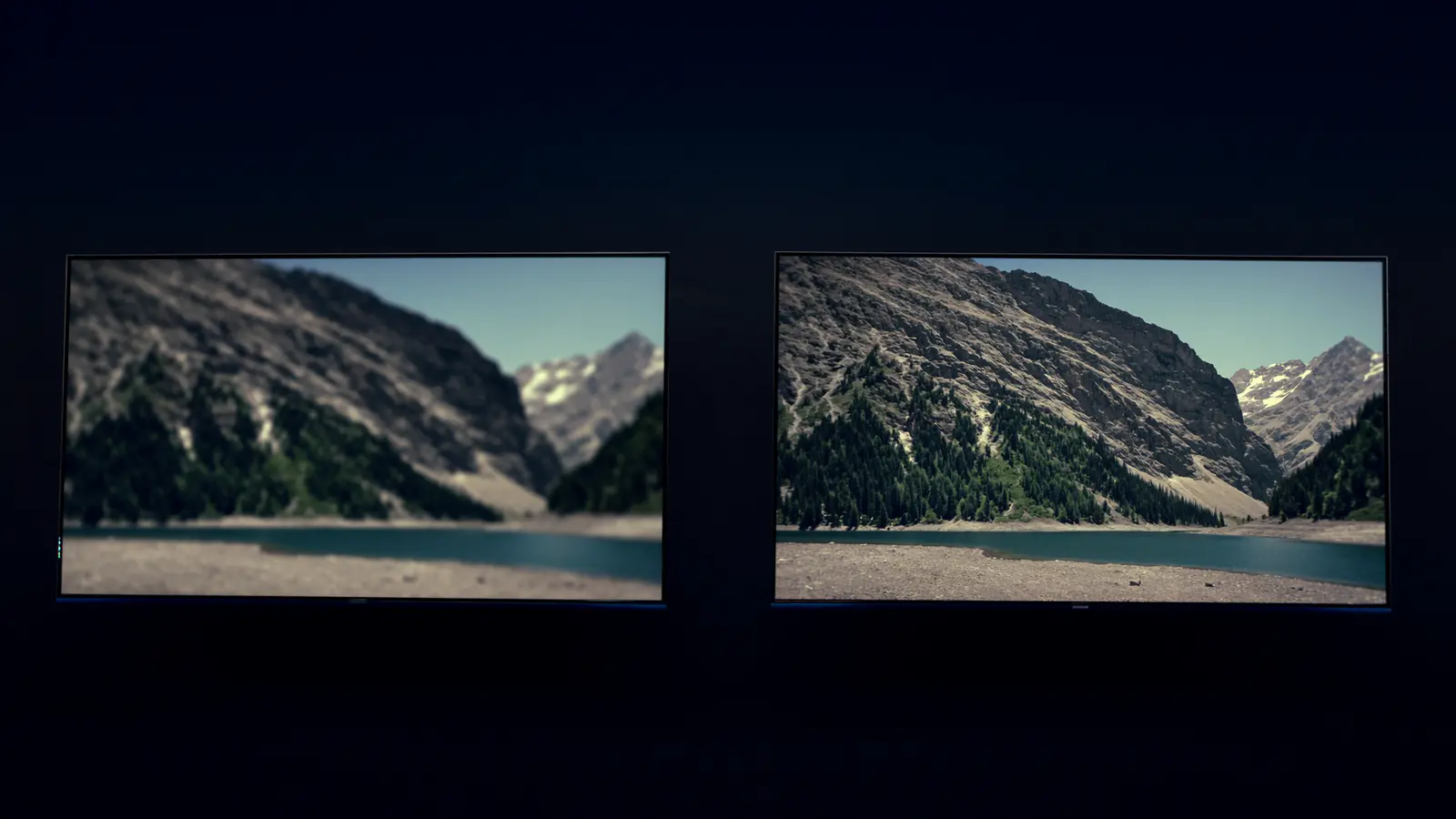
Resolution isn't the whole story. When 4K is visibly sharper, why HDR and frame rate often matter more, and what each quality level needs.

Recommended speeds per stream, the maths for several screens, and how to test properly — because the speed at your sofa is what counts.
Choosing a service, plan lengths, free trials, safety, legal considerations and IPTV compared with cable and satellite.

Longer plans cost less per month but lock in your choice. Real per-month costs, break-even points and a simple way to decide which length suits you.

Satellite and aerial TV don't need broadband and barely lag; IPTV is flexible and weather-proof. When each wins — and why many homes keep both.

The technology is safe — the risks come from who you buy from and what you install. Spotting risky services, safe app habits and protecting your home network.

A trial is short, so plan it. What to prepare, what to test and when — including the evening peak — plus a checklist to judge the result.

Every provider claims to be the best. Nine things to check — from trials and device support to renewal terms and licensing — that reveal what a service is really like.

Why the same match is on different services in different countries, where legitimate streams come from, and the warning signs of unlicensed ones.
Cable is consistent but tied to boxes and contracts; IPTV is flexible but depends on your broadband. A side-by-side comparison and a low-risk way to switch.
Start with a free trial, or pick a plan and be watching today. Our team is ready to help on WhatsApp.